
Set setting Parity Modbus
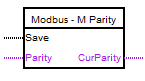
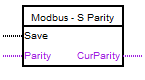
The block is used to set the Parity value of the UART port for Modbus
operation during the operation of the controller. The port associated with the block is set to Parity in accordance with the
value at the input "Parity". Possible values: 0 (NONE), 1 (EVEN), 2 (ODD). All other values supplied to the
input will be equated to 0 (NONE).
The block is parameterized using the block editor
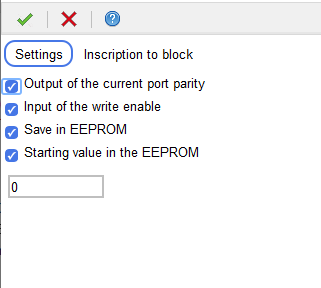
When you check the box "Output of the current reporting port", the block has an
output "CurParity", which will have the value of the current parity for the specified port. When you check the box "Write permission input",
the block will have the "Save"input.
In this case, the new parity will be set along the leading edge at this input.
It will also be possible to save the assigned parity value in non-volatile memory and restore this value after restarting the controller.
For each of the ports (Modbus Master and Modbus Slave), only one
block "Set setting Parity Modbus" can be used in the project"