
The save element in the array
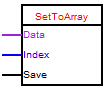
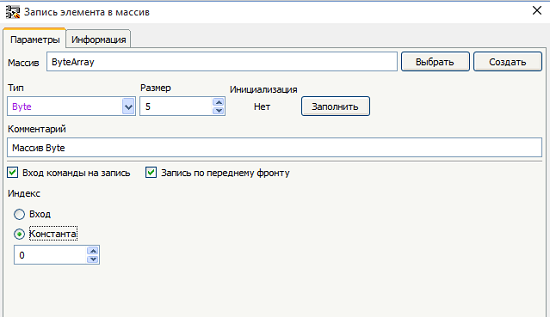
Block is used to record the element in the array. In the editor block, you can choose or create the array and to configure the assignment of the index of the element (constant or input) and the recording mode.
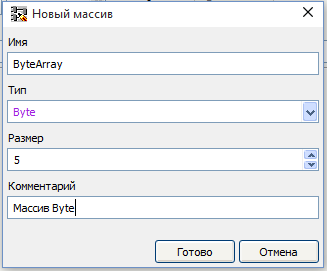
In order to create the array click "Create" and in the opened window fill in the settings for the new array
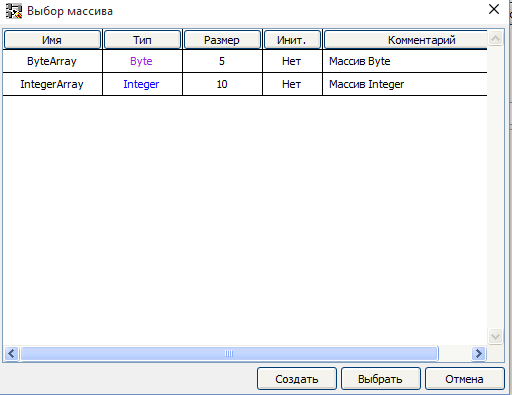
To select an array of available, click "Choose" and in the appeared window choose the necessary array
To fill the array with initial values you must click "Fill" and in the opened window fill in the necessary details
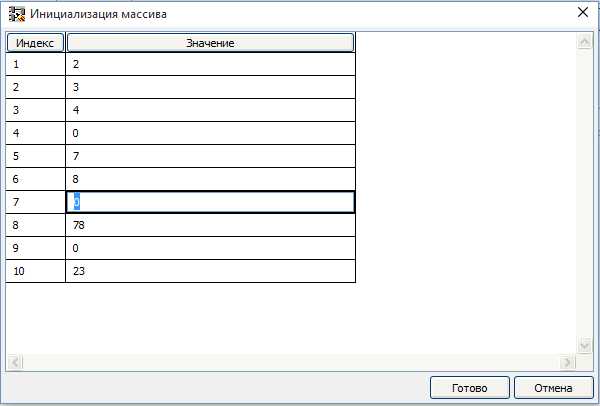
To cancel initializing the array, you should press the "Clean" button