
File upload from SD card in Serial port

Block is used to send the contents of a file on the SD card to the Serial port
When you add a block in the project must be parameterized. In the module properties if the project never used the SD card you want to connect
When you add a block in the project must be parameterized. In the module properties if the project never used the SD card you want to connect
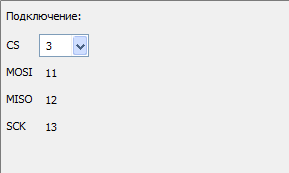
In the dialog to create a new SD card You need to select which pin will be connected to the control input of the reader.
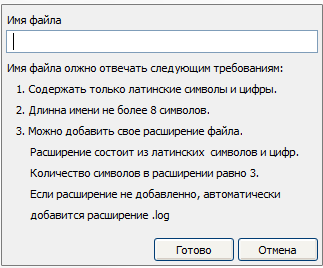
You will then need to choose a file to upload from existing project or create a new one
You will then need to choose a file to upload from existing project or create a new one
You then need to select the Serial port number and speed of his work
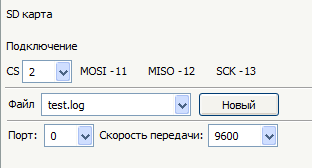
The rising edge at the input "Upload" the file content will be sent to the Serial port. If the file is not found, then the port will not be sent anything