
The "Array" parameter
The "Array" parameter is used in the block of an array that exists in the project.
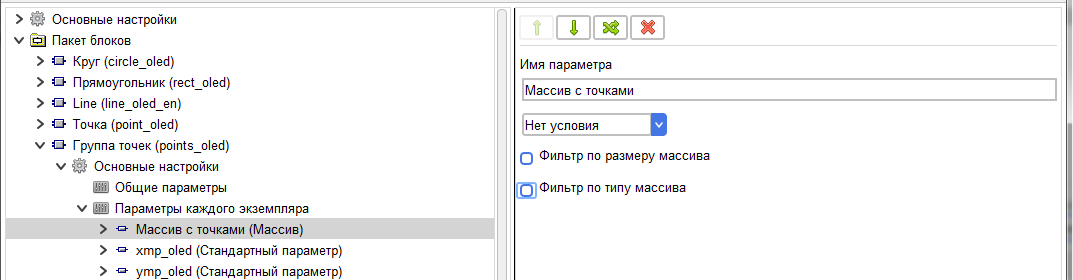
When setting a parameter, you can set a filter based on the size of the parameter.

This will limit the selection of arrays to only arrays with the specified size.
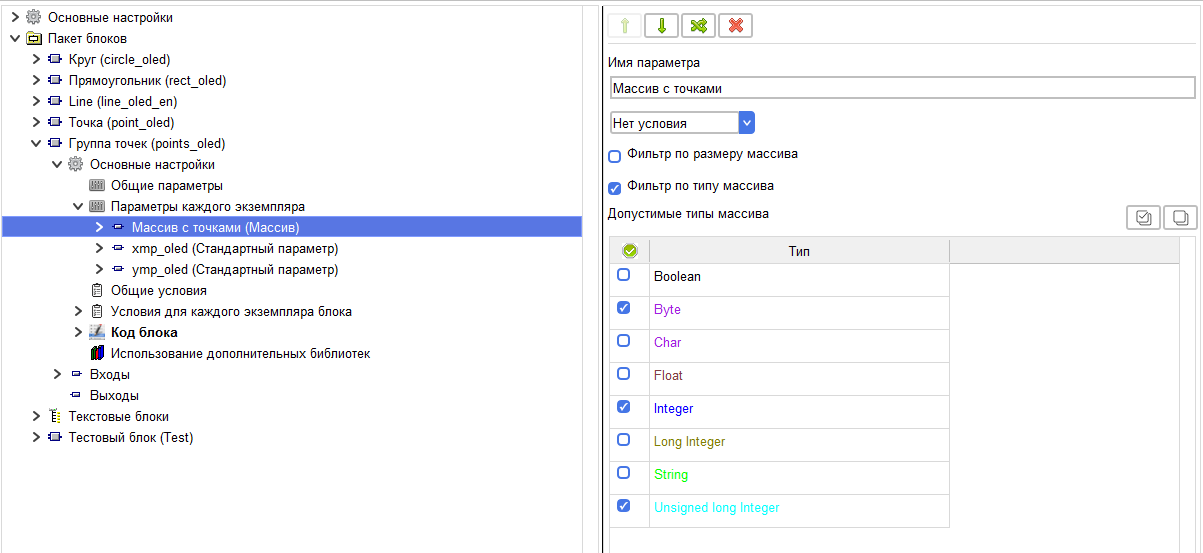
You can also set a filter by array type.
You can also set a filter by array type.
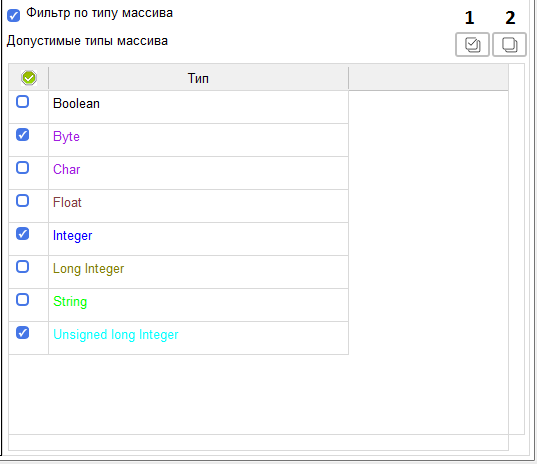
In the table that appears, you can choose which types of arrays will be available for selection or creation.
With the "Select all" button (1),all types will be selected with the "Remove all"button(2), the selection will be removed from all rows.
When configuring a block in a project, this option provides a standard interface for selecting or creating an array.
With the "Select all" button (1),all types will be selected with the "Remove all"button(2), the selection will be removed from all rows.
When configuring a block in a project, this option provides a standard interface for selecting or creating an array.
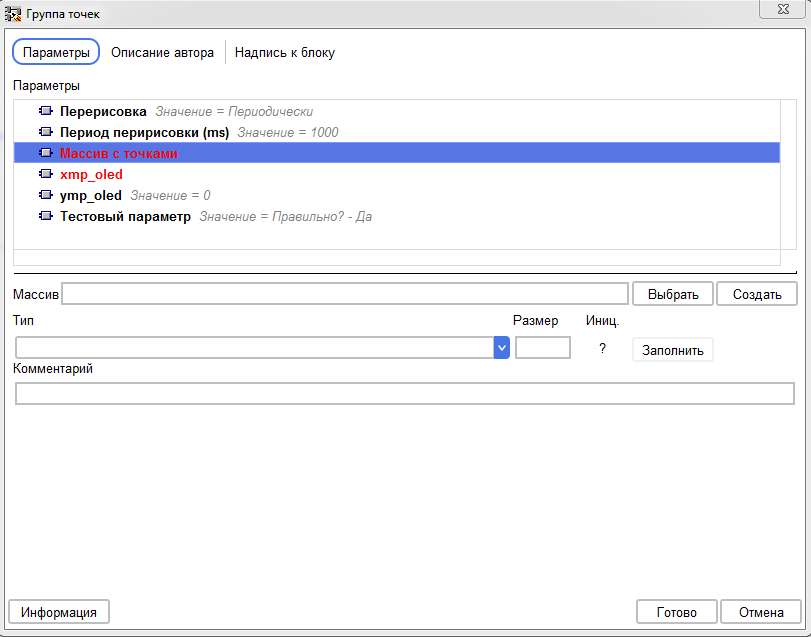
When you click the "Select" button, the standard window opens for selecting an array from existing arrays in the project.
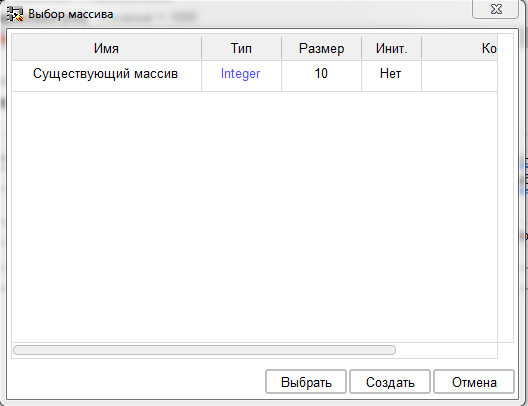
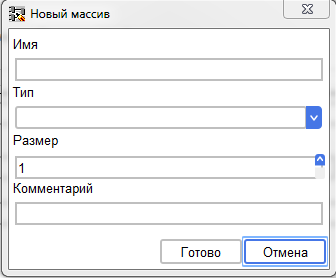
And when you click the "Create" button, the standard array creation window opens.
For the "Array" parameter, three tags are formed, consisting of the array name and the value to be passed.
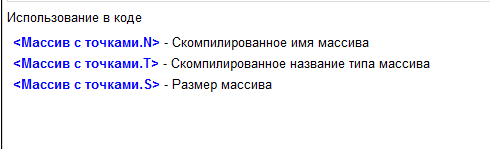
All three tags are available for use in the code, and the array type and array size tags are available for use in the condition.
Example of using the "Array" parameter.
Abstract block for displaying a group of points on the display. This block can accept an array of types Byte, Integer, and Unsigned Long Integer.
The block displays a rectangle of dots. Each line is encoded with the number bits of an array element. Based on this, the width of the rectangle will depend on the type of array.
And the height depends on the number of elements in the array.
First, create the parameter " Array with points»
First, create the parameter " Array with points»
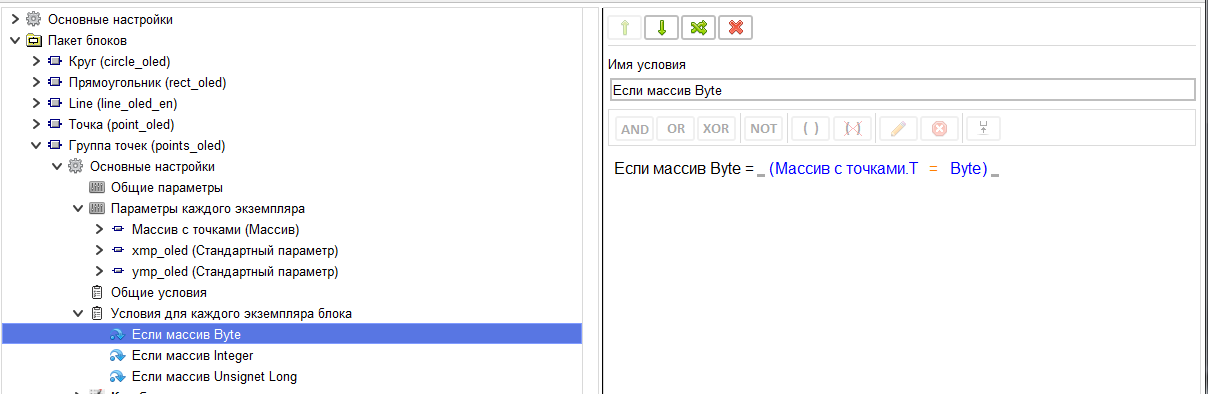
Creating three conditions, one for each of the array types.
In the Loop section of the code of each instance, in the section where the block is inserted, we will create three code elements with an insertion condition depending on the condition.
In these elements, we will specify the line width depending on the type of array.
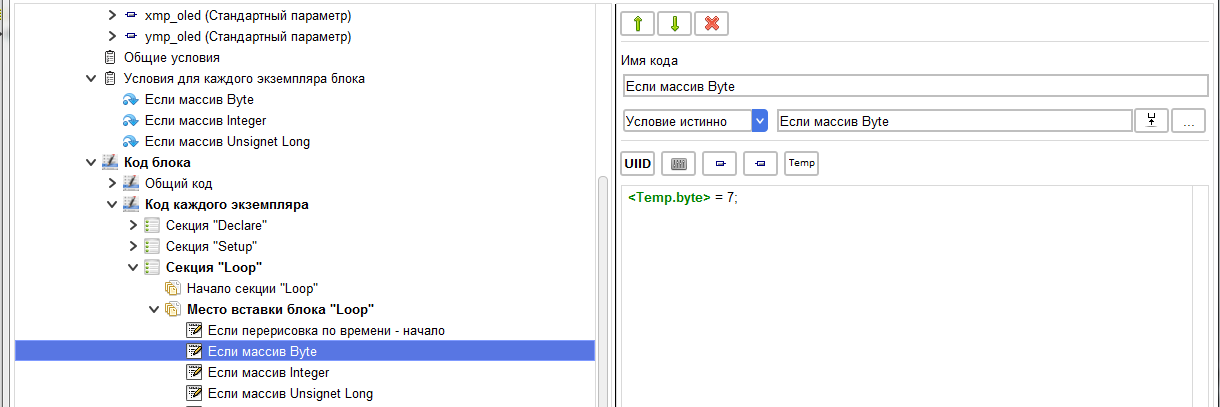
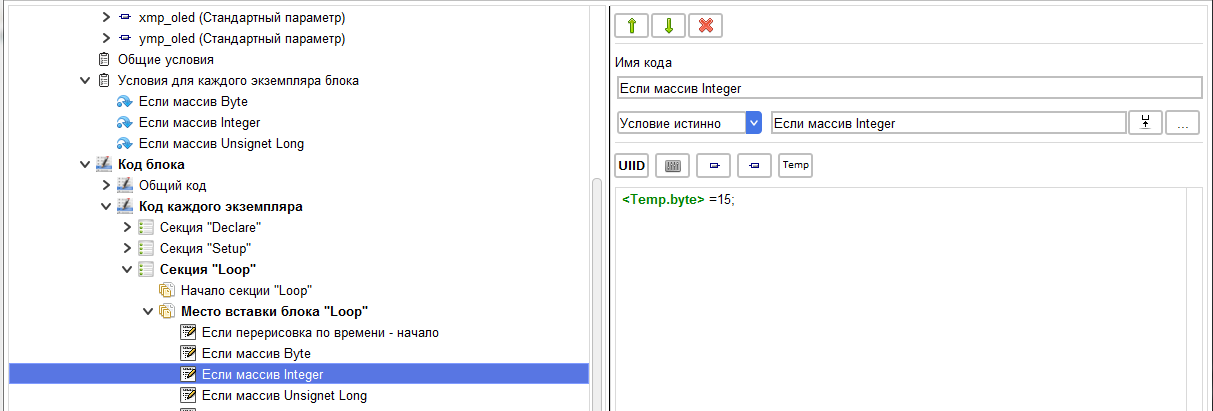
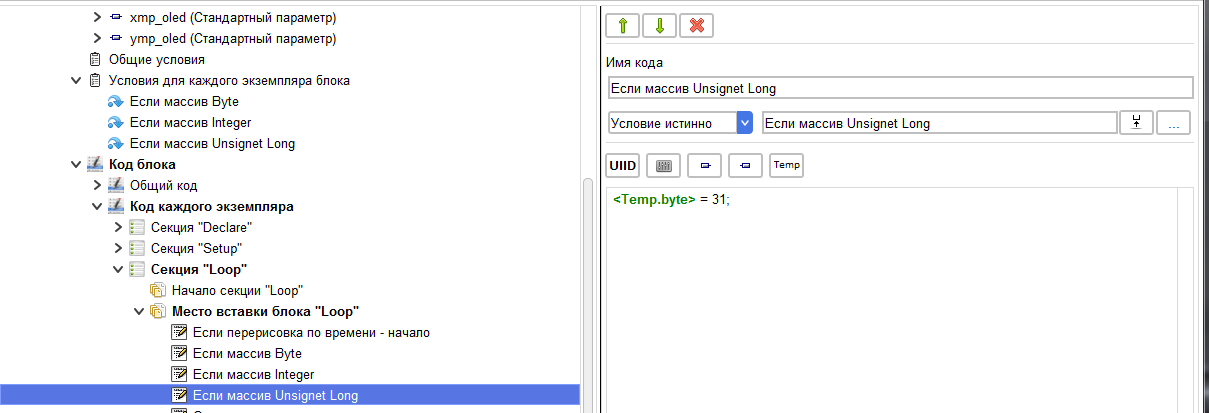
After them, we will create a code element of the main drawing.
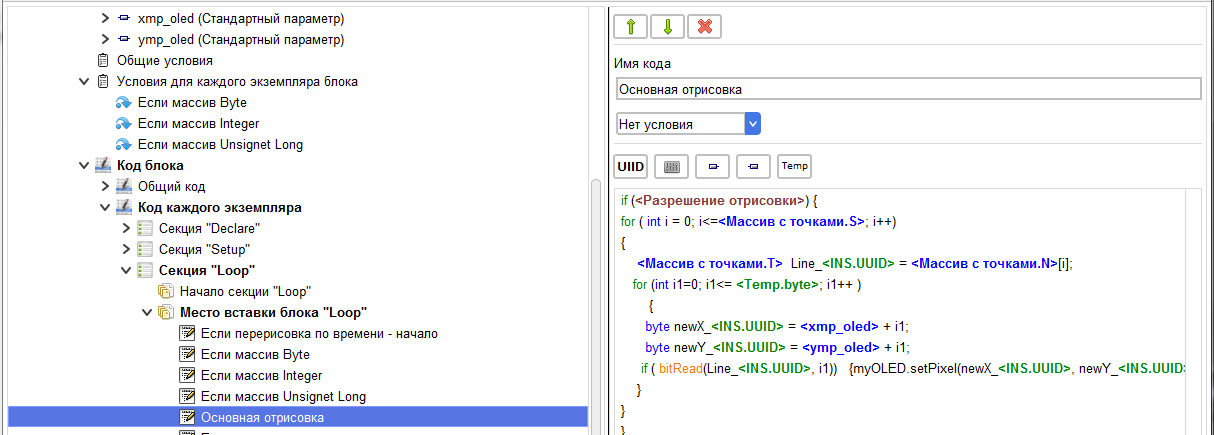
Let's analyze what is written here.
if ( <Разрешение отрисовки> ) {
This is the command to allow drawing the array received from the input «Разрешение отрисовки».
for ( int i = 0; i<= <Массив с точками.S> ; i++)
We run in a loop through all the elements of the array obtained from the parameter starting from the 0th element to the final element specified by the tag<Массив с точками.S> which returns the size of the selected array.
<Массив с точками.T> Line_ = <Массив с точками.N> [i];
A temporary variable is created with the type corresponding to the array type. Tag <Массив с точками.T> when compiled, it will return values of the array type in standard C. For example, for the Integer type, it will be int . The value of the next element of the array is written to this variable.
for (int i1=0; i1<= ; i1++ )
{
byte newX_ = + i1;
byte newY_ = + i1;
if ( bitRead(Line_ , i1)) {myOLED.setPixel(newX_ , newY_ );}
}
Here we run through the bits of the array element and, depending on the value of the bit, we highlight the point or not. As a result of compiling this block with the selected Integer array of 10 elements in the sketch, we get the following code.
_tempVariable_byte =15;
if((0))
{
for (int i = 0; i<=10; i++)
{
int Line_175838602 = _FLPArray155774681[i];
for (int i1=0; i1<= _tempVariable_byte; i1++)
{
byte newX_175838602 = 2 + i1;
byte newY_175838602 = 0 + i1;
if (bitRead(Line_175838602, i1))
{
myOLED.setPixel(newX_175838602, newY_175838602);
}
}
}
}
if ( <Разрешение отрисовки> ) {
This is the command to allow drawing the array received from the input «Разрешение отрисовки».
for ( int i = 0; i<= <Массив с точками.S> ; i++)
We run in a loop through all the elements of the array obtained from the parameter starting from the 0th element to the final element specified by the tag<Массив с точками.S> which returns the size of the selected array.
<Массив с точками.T> Line_
A temporary variable is created with the type corresponding to the array type. Tag <Массив с точками.T> when compiled, it will return values of the array type in standard C. For example, for the Integer type, it will be int . The value of the next element of the array is written to this variable.
for (int i1=0; i1<=
{
byte newX_
byte newY_
if ( bitRead(Line_
}
Here we run through the bits of the array element and, depending on the value of the bit, we highlight the point or not. As a result of compiling this block with the selected Integer array of 10 elements in the sketch, we get the following code.
_tempVariable_byte =15;
if((0))
{
for (int i = 0; i<=10; i++)
{
int Line_175838602 = _FLPArray155774681[i];
for (int i1=0; i1<= _tempVariable_byte; i1++)
{
byte newX_175838602 = 2 + i1;
byte newY_175838602 = 0 + i1;
if (bitRead(Line_175838602, i1))
{
myOLED.setPixel(newX_175838602, newY_175838602);
}
}
}
}