
Branch "Block Input"
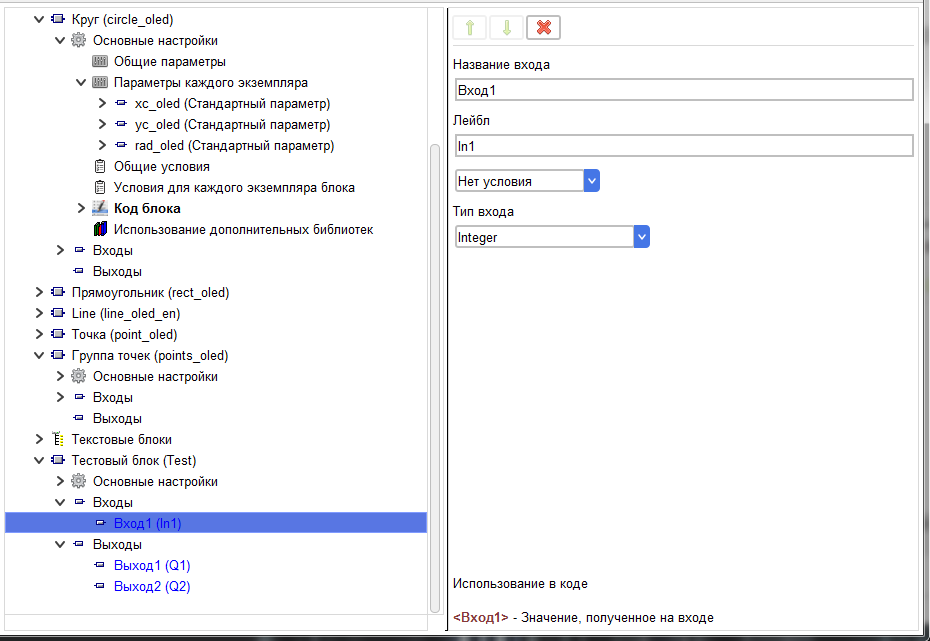
This branch is used to configure the block input.
The value of the login Name field is displayed in the user login editor.
The value of the Label field is displayed when the block is drawn in the project.
The value of the login Name field is displayed in the user login editor.
The value of the Label field is displayed when the block is drawn in the project.

On this branch, you can specify the presence of an entry, depending on the condition. There are three possible visibility options.
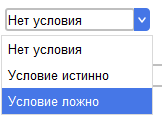
No condition
The input is always present in the block
The condition is true
The input is always present in the block
The condition is true

The input is present in the block if the Boolean expression of the selected condition returns True.
Condition is false
Condition is false

The input is present in the block if the Boolean expression of the selected condition returns False.
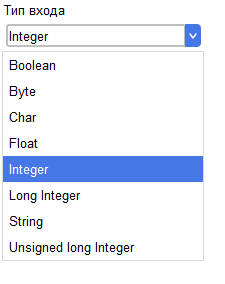
In addition, you must specify the type of input.
In addition, you must specify the type of input.
For each input, a tag is generated that can be used in the code. It is also shown on this branch.

The features of using the login tag in the code are described at this help page