
Branch "Basic block settings"
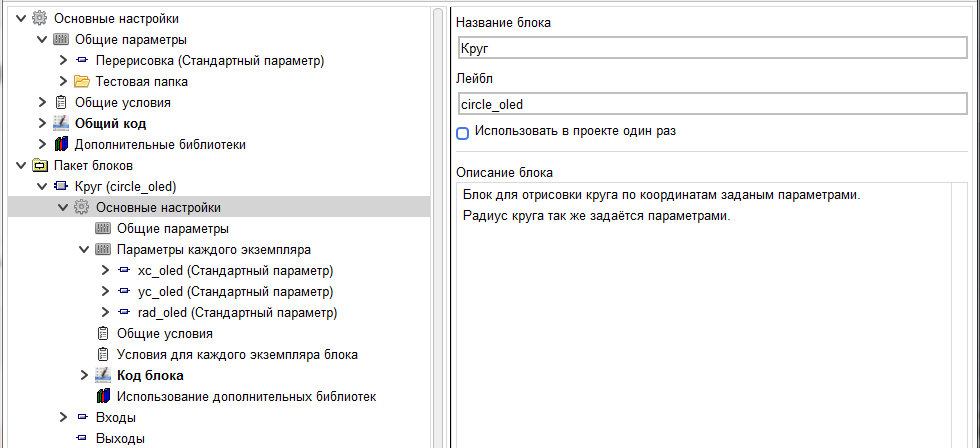
На данной ветке задаются:
1. block Name – this name will be displayed in the block editor, as well as in the library of custom blocks, if an alternative name is not set for it in the block display editor.
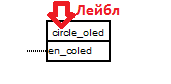
2. the block Label is the label on the block in the project diagram
1. block Name – this name will be displayed in the block editor, as well as in the library of custom blocks, if an alternative name is not set for it in the block display editor.
2. the block Label is the label on the block in the project diagram
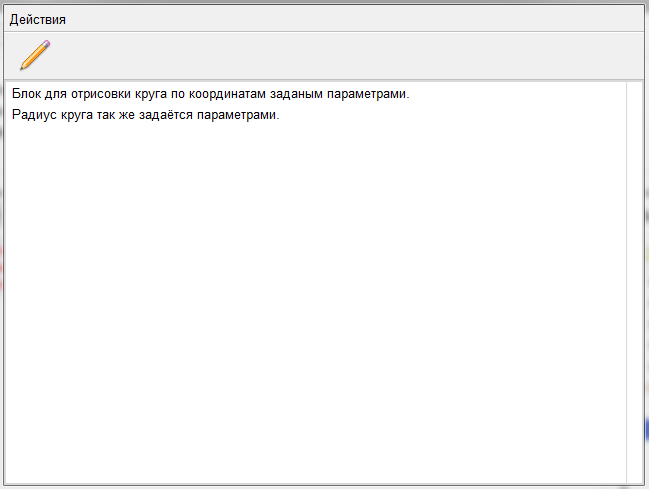
3. Block description. It is displayed when you double-click on a block in the block library
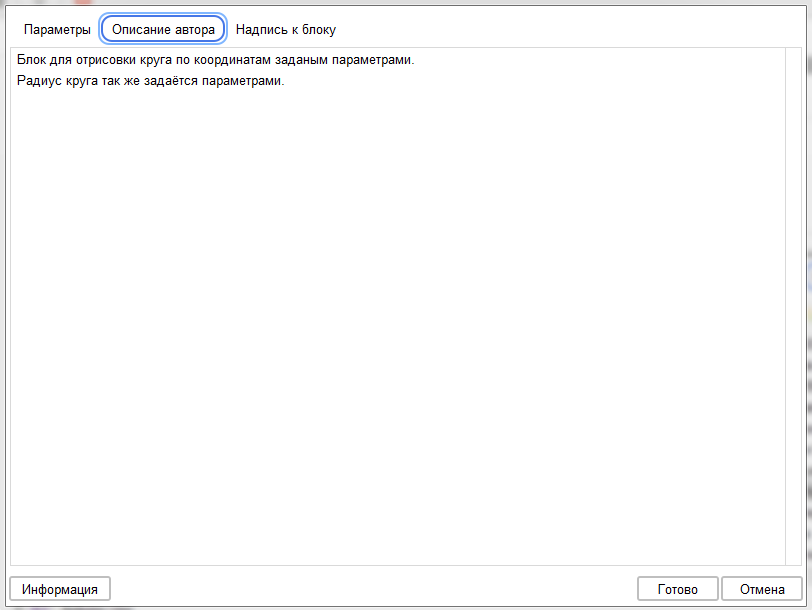
The description is also displayed on the "author's Description" tab in the block editor in the project
If you set the check box "Use in the project once", the program will not allow you to insert more than one instance of this block into the project.