
Branch " Output"
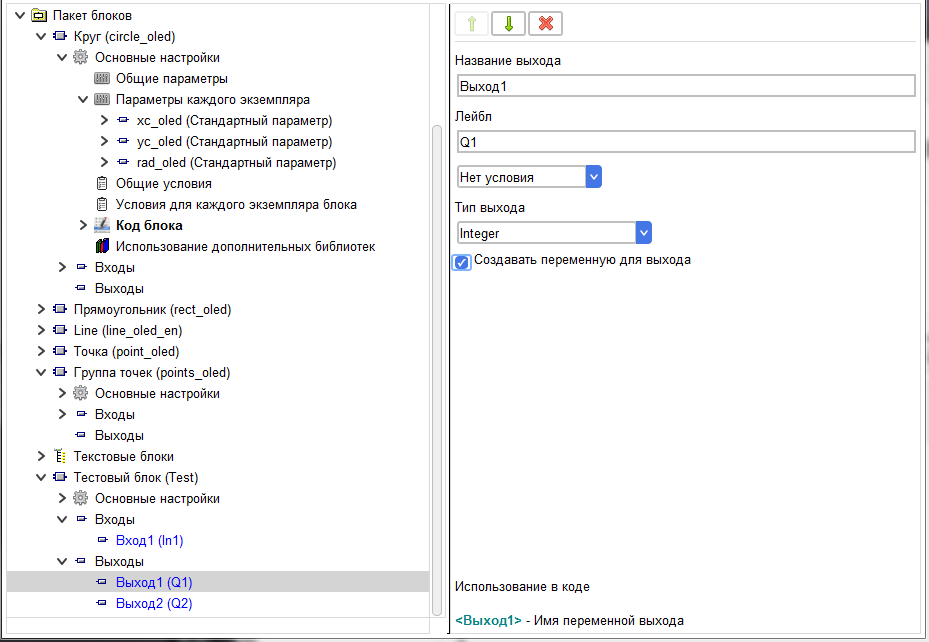
This branch is used to configure the output of the block.
The value of the output Name field is displayed in the user input editor.
The value of the Label field is displayed when the block is drawn in the project.
The value of the output Name field is displayed in the user input editor.
The value of the Label field is displayed when the block is drawn in the project.

On this branch, you can specify whether there is an exit depending on the condition. There are three possible visibility options.
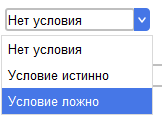
No condition
The output is always present in the block.
The condition is true
The output is always present in the block.
The condition is true

The output is present in the block if the Boolean expression of the selected condition returns True.
Condition is false
Condition is false

The output is present in the block if the Boolean expression of the selected condition returns False.
In addition, you must specify the output type for the output.
In addition, you must specify the output type for the output.
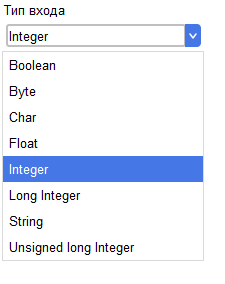
By default, a tag and its corresponding variable are created for the output.
The tag is also presented on this branch.
The tag is also presented on this branch.

In the code, this tag is used as a regular variable to write values to.
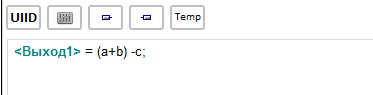
The result of the compilation in the project
Out_238022926_248089165 = (a+b)-c;
When connected to this output in other blocks, the value of this variable is passed to the input of the connected block.
Out_238022926_248089165 = (a+b)-c;
When connected to this output in other blocks, the value of this variable is passed to the input of the connected block.
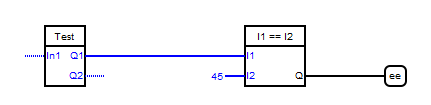
After compiling the project
Out_238022926_248089165 = (a+b)-c;
_gtv1 =(Out_238022926_248089165) == (45);
But it is not always correct from the point of view of saving controller memory to create a separate variable for the output. For example, if the output value is an array value.
Out_238022926_248089165 = (a+b)-c;
_gtv1 =(Out_238022926_248089165) == (45);
But it is not always correct from the point of view of saving controller memory to create a separate variable for the output. For example, if the output value is an array value.
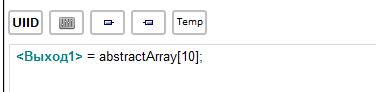
In this case, after compilation, we get the following code.
Out_238022926_248089165 = abstractArray[10];
_gtv1 =(Out_238022926_248089165) == (45);
The array element has already been allocated space in memory, and we create another, in principle, unnecessary variable.
In such cases it would be correct to remove a tick "to Create a variable for output" in the output settings.
Out_238022926_248089165 = abstractArray[10];
_gtv1 =(Out_238022926_248089165) == (45);
The array element has already been allocated space in memory, and we create another, in principle, unnecessary variable.
In such cases it would be correct to remove a tick "to Create a variable for output" in the output settings.
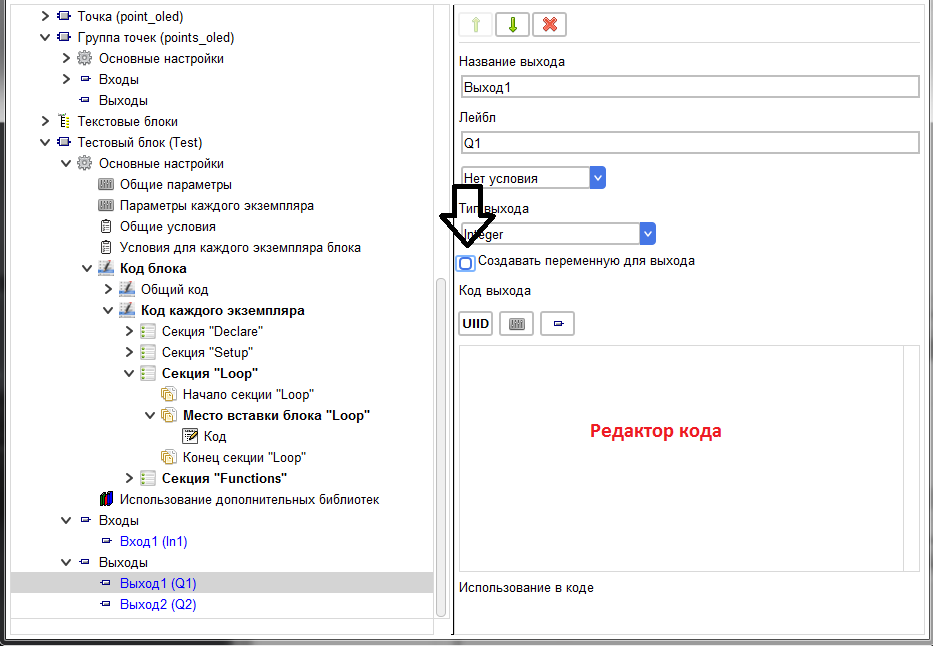
The array element has already been allocated space in memory, and we create another, in principle, unnecessary variable.
In such cases it would be correct to remove a tick "to Create a variable for output" in the output settings.In this case, neither a tag nor a variable will be created for the output, and the value issued as this output can be registered independently in the code editor that appears.
For example, for an array element, write in the editor.
In such cases it would be correct to remove a tick "to Create a variable for output" in the output settings.In this case, neither a tag nor a variable will be created for the output, and the value issued as this output can be registered independently in the code editor that appears.
For example, for an array element, write in the editor.
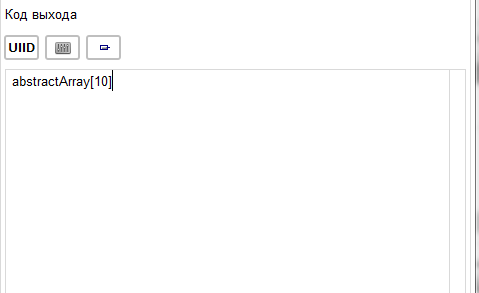
And as a result of compiling the project, we get the code
_gtv1 = ((abstractArray[10])) == (45);
As you can see, the unnecessary variable is not created, and the code that we wrote in the output settings is passed immediately to the input of the next block, enclosed in parentheses.
_gtv1 = ((abstractArray[10])) == (45);
As you can see, the unnecessary variable is not created, and the code that we wrote in the output settings is passed immediately to the input of the next block, enclosed in parentheses.