
Branch – "Conditions"
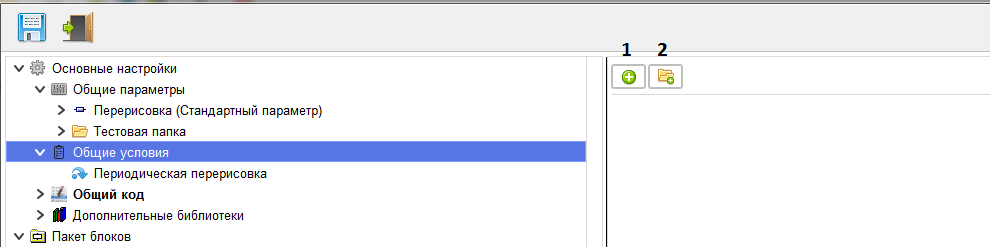
Conditions are created in this branch.
Use the "Create condition" button (1) to create a new condition. When you click it, a branch with a new condition appears, and you switch to this branch.
For ease of working with conditions, use the "Create folder" button (2) to create a folder for grouping conditions. When you click it, a new branch of the conditions folder is created and a transition to it takes place.
Use the "Create condition" button (1) to create a new condition. When you click it, a branch with a new condition appears, and you switch to this branch.
For ease of working with conditions, use the "Create folder" button (2) to create a folder for grouping conditions. When you click it, a new branch of the conditions folder is created and a transition to it takes place.