
Parameters folder
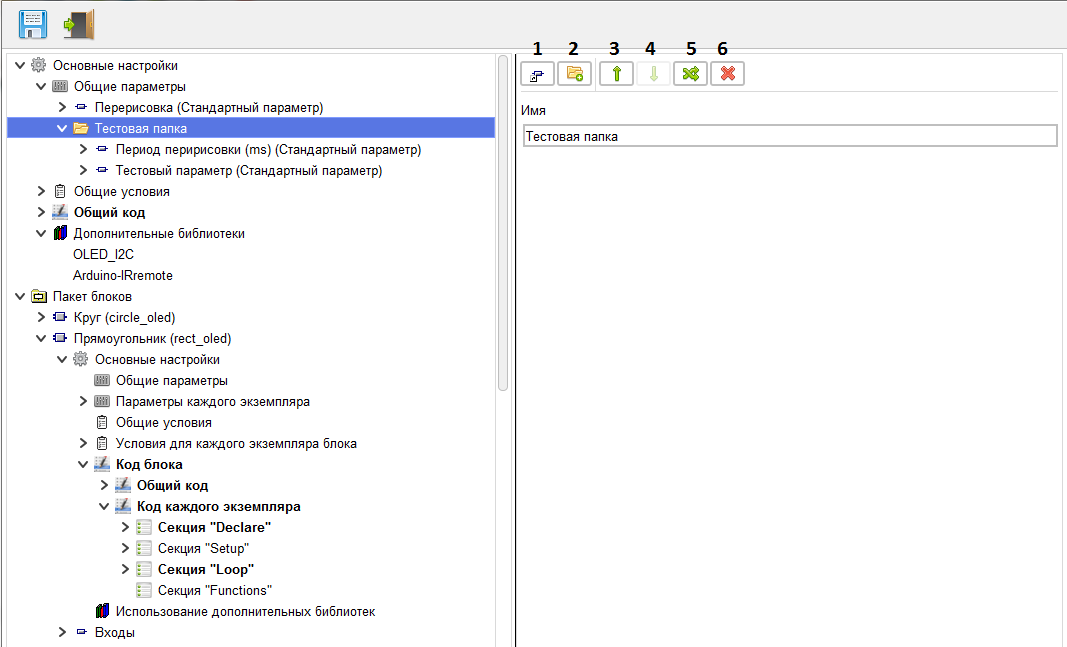
This branch is used for creating parameters and subfolders, as well as setting the folder name.
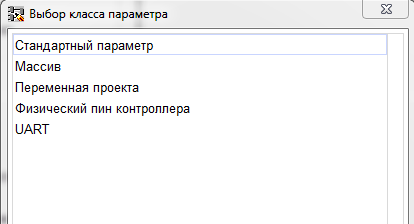
After selecting the required parameter class, a branch is created with the parameter of the corresponding class, and the transition to this branch takes place.
For the convenience of working with parameters, you can use the "Create folder" button (2) to create a folder for grouping parameters. When you click it, a new branch of the parameters folder is created and you switch to it.
Use the up and down buttons (3, 4) to move the folder within the parent folder. Using the free move button (5), the folder is moved to any location of the multiblock and blocks.
Using the "Delete folder" button (6), the folder is deleted and its contents are moved to the parent folder.